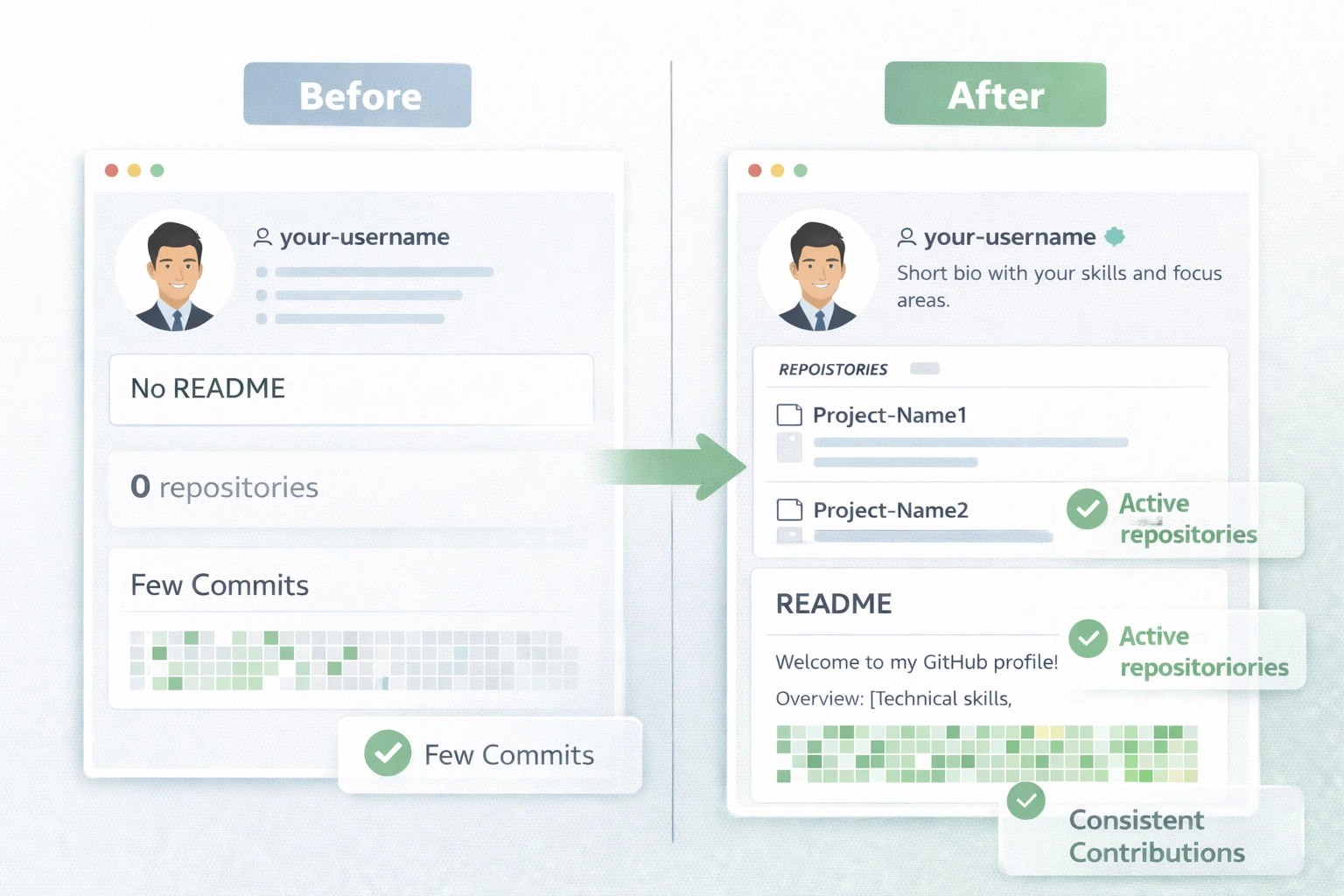
It’s no longer just about your degree. Recruiters want to know what you can build with your skills.
GitHub has become a proof-of-work platform across Indian service and product companies . It shows how you write code, structure projects, and solve problems. Many recruiters check GitHub before interviews, especially for off-campus hiring and Job-Ready Fresher.
A strong GitHub profile:
Builds trust even without work experience
Shows real skills beyond marks and certificates
Helps differentiate you from thousands of similar profiles
Simply creating an account is not enough. How you use it matters.
What is GitHub?
GitHub is a web-based platform that allows developers to save, organize, collaborate on, and share their code with others.
In simple words:
👉 GitHub is like Google Drive for code, but made specially for software projects.
Instead of saving your programs only on your laptop, GitHub lets you:
Upload your code online
Track changes in your code over time
Show your projects to recruiters and interviewers
Work on real-world style projects in a structured way
Why GitHub Is Important for IT Freshers
For freshers, GitHub is proof that you can actually code.
Marksheets show education.
Certificates show learning.
GitHub shows execution.
When recruiters open your GitHub, they can see:
How you write code
How you structure projects
Whether you understand real-world logic
Whether you can maintain and improve your work
This matters a lot in the Indian IT job market, especially when thousands of freshers apply for the same role.
Step 1: Fix Your GitHub Profile Basics
Start with the profile page. This is your first impression.
What to do:
Use your real name
Add a clear bio (example: Java backend fresher | Spring Boot | SQL | REST APIs)
Add a professional profile photo (simple, neutral background)
Keep location optional (India is fine)
Create a profile README:
Short intro (2–3 lines)
Tech stack you actually know
What kind of roles you are preparing for
How often you code or build projects
Keep it simple. No buzzwords.
Step 2: Build Fewer Projects, But Build Them Well
Quantity does not impress recruiters. Clarity does.
Ideal structure for freshers:
2–3 solid projects
1 mini project
Clean code and proper explanation
Project ideas that work well in India:
Java / Spring Boot: REST API for user management, order system, or attendance tracke
MERN / Frontend: Dashboard with authentication, charts, CRUD features
Python / Data: Data analysis project with clear problem statement and outputs
QA Automation: Test automation framework with sample test cases
DevOps: CI/CD pipeline demo, containerized app setup
Avoid copying tutorials line by line. Even simple projects are fine if you understand them fully.
Step 3: Write Proper README Files (Very Important)
Recruiters often read the README before the code.
Every main project must have:
What the project does
Why it exists (problem statement)
Tech stack used
Features
How to run it locally
Sample output or screenshots
A good README shows communication skills, which matter a lot in Indian IT teams.
Step 4: Show Consistency, Not Perfection
You don’t need to code daily but long gaps look bad.
Try to:
Push code at least once or twice a week
Improve existing projects
Fix bugs or refactor code
Even small commits show learning.
Recruiters value steady effort, not overnight stars.
Step 5: Pin Your Best Repositories
GitHub allows you to pin repositories. Use it wisely.
Pin:
Your best 3–6 projects
Projects relevant to the role you want
Projects that you can explain confidently in interviews
Never pin incomplete or messy repositories.
Step 6: Code Quality Matters More Than Fancy Features
Indian companies expect:
Readable variable names
Proper folder structure
Basic error handling
Clean formatting
They don’t expect advanced architecture from freshers. They expect clean, understandable code.
If someone else reads your code and understands it, you are doing it right.
Step 7: Avoid Common Fresher Mistakes
❌ Uploading college practical files
❌ Copy-paste projects without understanding
❌ No README files
❌ Too many unfinished repositories
❌ Claiming skills not visible in code
GitHub exposes the truth. Be honest.
GitHub Profile Checklist for Freshers
Use this before sharing your profile:
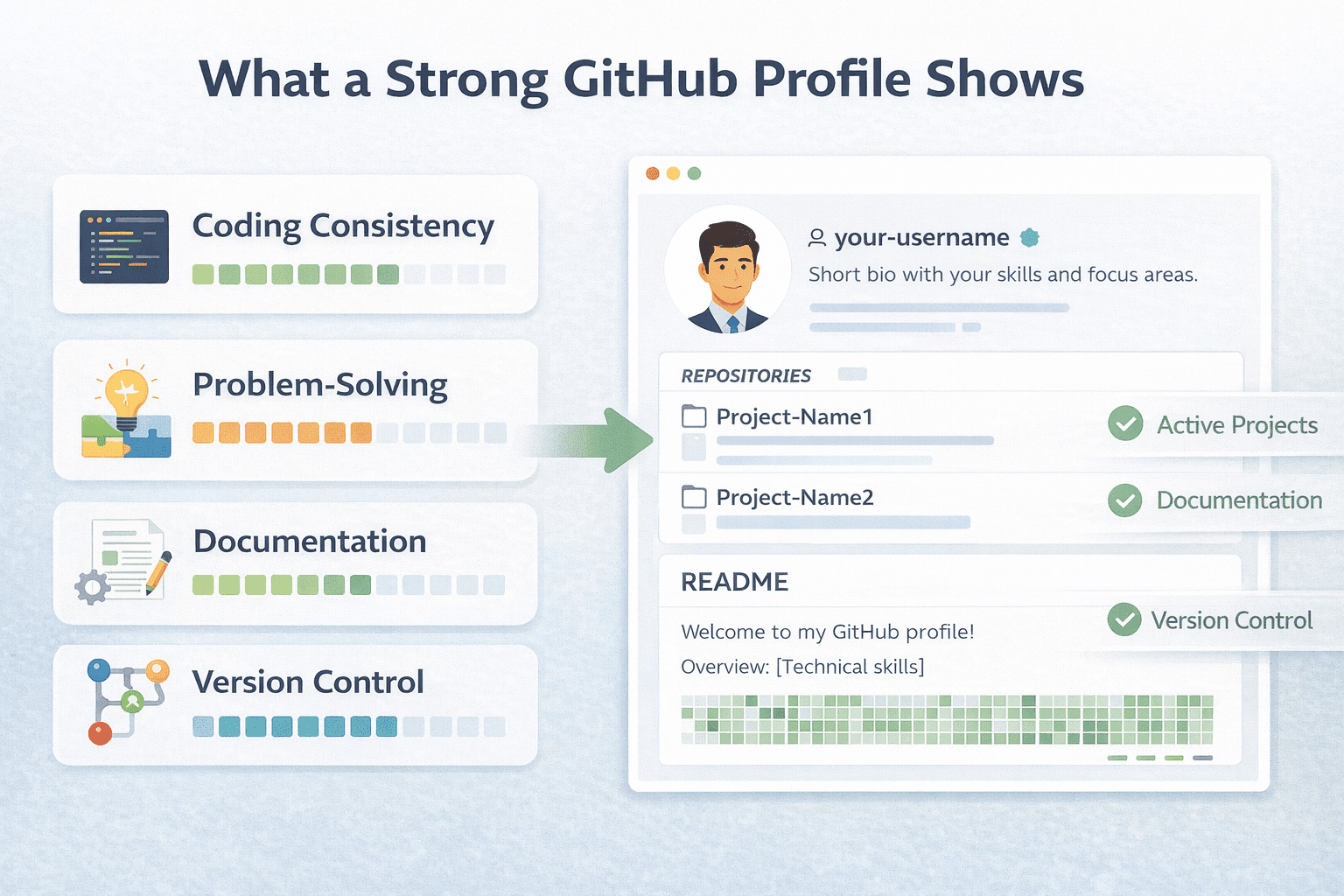
Real name and clear bio
Profile README added
2–3 strong projects with READMEs
Clean folder structure
Regular commits (even small ones)
Best repos pinned
Code you can explain confidently
If you tick most of these, you are ahead of many freshers.
How This Helps in Campus and Off-Campus Hiring
Campus hiring:
GitHub helps during technical interviews when you are asked about projects.
Off-campus hiring:
Recruiters often search GitHub directly to shortlist profiles with real work.
In both cases, GitHub acts as evidence, not claims.
Final Thought
A strong GitHub profile is not about being a genius developer.
It is about showing effort, clarity, and learning attitude.
Start small. Improve slowly. Stay consistent.
If you want a structured learning path with guided projects that align with real IT hiring expectations, that’s where focused upskilling programs help freshers move faster and avoid common mistakes.
Your GitHub should tell one clear story:
“This fresher can work on real systems.”