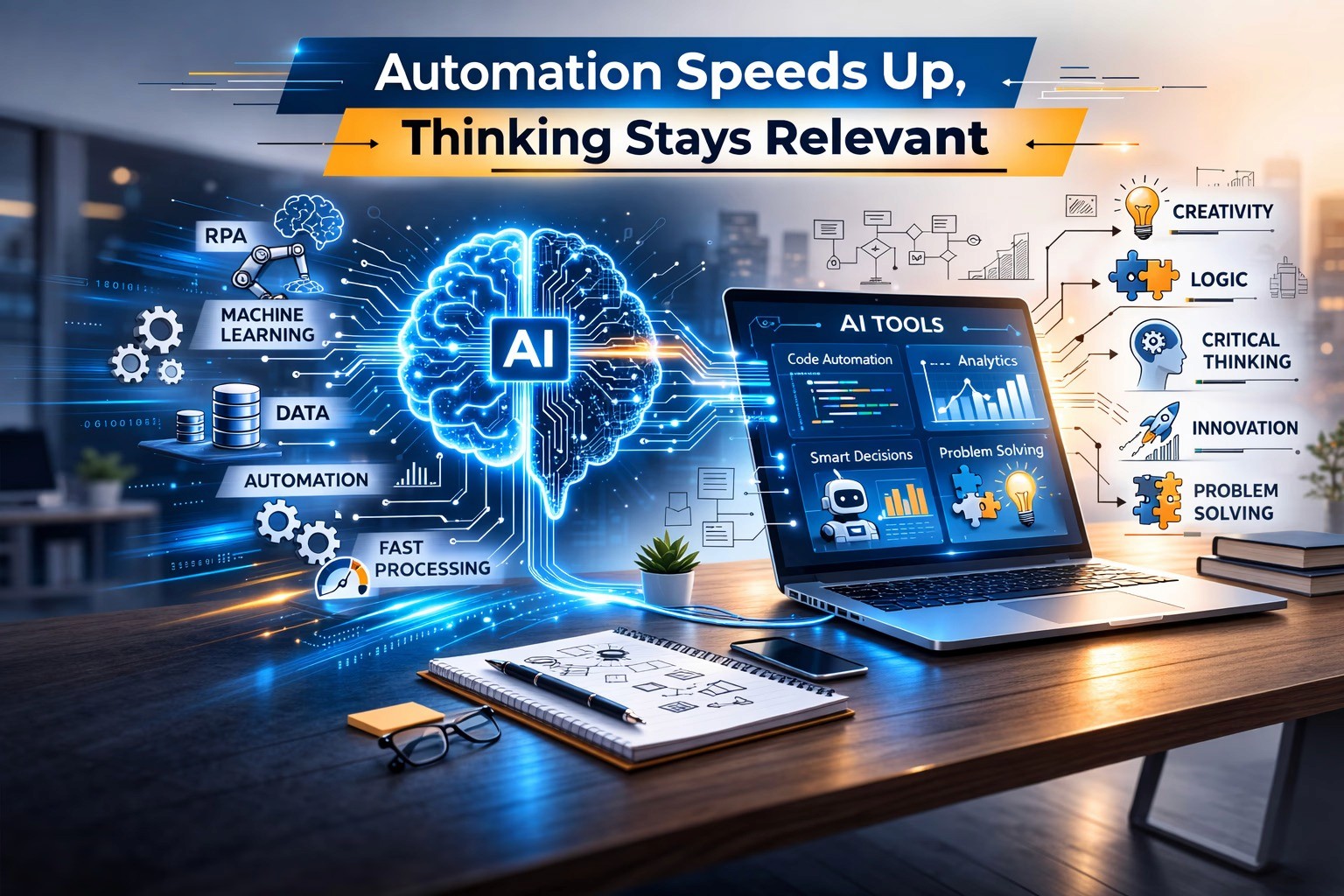
Introduction: The Reality Freshers Are Facing Today
Imagine this.
A fresher joins their first IT job. They quickly learn tools, frameworks, and shortcuts. Work feels smooth because automation tools generate code, fix errors, and even suggest solutions.
But then comes a real problem.
A production issue.
A system design decision.
A business requirement that is unclear.
Suddenly, automation stops helping.
This is where conceptual thinking begins—and this is exactly why it will outlast automation.
What is Conceptual Thinking in IT?
Conceptual thinking is not about writing more code but understanding why something works the way it does.
In simple terms, it means:
Understanding system behavior, not just syntax
Connecting business requirements with technical solutions
Thinking beyond “how” and focusing on “why”
Solving problems even when no direct solution exists
For example:
A developer who memorizes a sorting algorithm may struggle when the requirement changes.
But a developer who understands how sorting works conceptually can adapt instantly.
Why Automation is Growing (But Limited)
There is no doubt—automation and AI tools are transforming software development.
Today, tools can:
Generate code snippets
Suggest fixes for bugs
Automate testing
Create documentation
This has made entry-level tasks faster.
However, here is the reality from real IT industry practices:
Automation works best when:
The problem is already defined
The pattern is known
The solution is repetitive
But in real projects, most work is not like that.
Where Automation Fails in Real IT Jobs
In actual software development environments—especially in service companies, product companies, and startups—engineers face situations like:
1. Unclear Requirements
Clients rarely give perfect requirements, Developers must interpret, analyze, and clarify.
Automation cannot decide what the client really meant.
2. System Design Decisions
Choosing between:
Microservices vs monolith
Performance vs cost
Scalability vs simplicity
These are thinking-based decisions, not tool-based ones.
3. Debugging Complex Issues
Real production bugs are not simple syntax errors.
They involve:
Data inconsistencies
Integration failures
Unexpected edge cases
Here, conceptual understanding is the only way forward.
4. Business Context Understanding
A feature is not just code—it solves a business problem.
For example:
Why is this feature needed?
What happens if it fails?
How will users interact with it?
Automation cannot replace business thinking.
Why Conceptual Thinking Will Always Win
1. Technology Changes, Concepts Stay
Programming languages change.
Frameworks evolve.
Tools come and go.
But concepts like:
Data structures
System design
Problem-solving
Logical thinking
remain constant.
This is why experienced developers grow faster—they rely on concepts, not tools.
2. High-Paying Roles Demand Thinking
Roles like:
Software Architect
Tech Lead
Solution Designer
do not focus on coding alone.
They require:
Decision-making
Trade-off analysis
System-level thinking
These roles cannot be automated.
3. AI Needs Human Direction
AI tools are powerful, but they still depend on:
Correct inputs
Proper instructions
Human validation
Without conceptual clarity, even AI-generated solutions can fail.
A Real Scenario Freshers Should Understand
Let’s take a simple example where two freshers are given a task to “Improve application performance.”
Fresher A:
Uses tools blindly
Applies random optimizations
Relies on suggestions
Fresher B:
Understands system bottlenecks
Analyzes database queries
Identifies root causes
Who will grow faster?
The answer is obvious.
This is the difference between tool usage vs conceptual thinking.
How Freshers Can Build Conceptual Thinking
This is the most important part.
You don’t develop conceptual thinking by watching tutorials alone.
You build it through active learning and real practice.
1. Focus on “Why”, Not Just “How”
Whenever you learn something, ask:
Why does this work?
What problem does it solve?
When should I NOT use it?
2. Work on Real Projects
Projects force you to think.
They expose you to:
Errors
Design decisions
Trade-offs
This is where real learning happens.
3. Break Problems into Smaller Parts
Instead of jumping to solutions:
Understand the problem
Divide it logically
Solve step by step
This improves clarity and confidence.
4. Learn System Basics Strongly
Do not skip fundamentals like:
Operating systems
Databases
Networking basics
These form the backbone of conceptual thinking.
5. Analyze Real-World Systems
Observe apps like:
Payment systems
E-commerce platforms
Social media apps
Ask:
How does this work internally?
What challenges might exist?
Why Training Matters in Building Thinking Skills
Many freshers struggle not because they lack effort, but because they lack structured guidance.
Random learning leads to:
Surface-level knowledge
Confusion
Slow career growth
A structured environment helps you:
Build strong fundamentals
Work on real-world projects
Develop problem-solving skills
Understand actual IT workflows
Conclusion: The Skill That Secures Your Future
Automation will continue to grow.
AI will become more powerful.
But one thing will remain constant:
👉 The need for people who can think.
If you focus only on tools, your growth will be limited.
If you build conceptual thinking, your growth becomes unlimited.
For every fresher entering the IT industry today, this is the truth:
Tools will help you start
Concepts will help you grow
Thinking will help you lead
So don’t just learn to code.
Learn to think.