
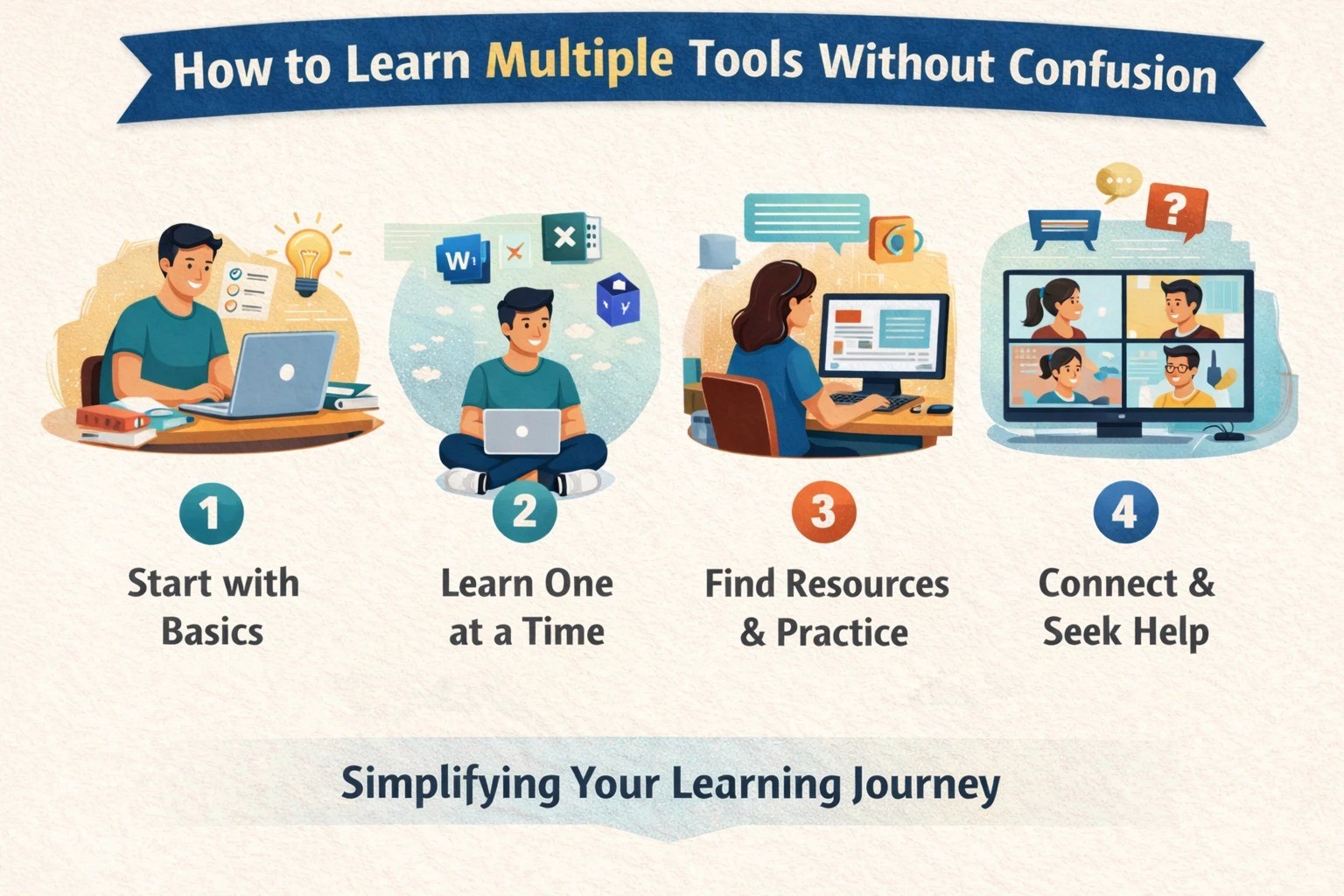
Many IT freshers feel overwhelmed when they see long lists of tools in job descriptions. One role mentions Git, another mentions cloud, another expects testing tools, dashboards, or automation. Trying to learn everything at once often leads to confusion, burnout, and half-knowledge. The key is not learning more tools, but learning them in the right order and with the right purpose.
The first mistake freshers make is treating tools as separate subjects. Tools are not meant to be learned in isolation. Every tool exists to solve a specific problem in the software lifecycle. When you understand why a tool is used, learning how to use it becomes much easier. Instead of focusing on which tool to pick next, focus on understanding what real problem the tool is designed to solve.
Start with core fundamentals, not tools. Before jumping into any tool, make sure your basics are clear—programming logic, data handling, debugging, and understanding how applications work. Tools sit on top of these fundamentals. Without a strong base, every new tool feels confusing because nothing connects. With basics in place, tools start to feel like extensions of the same idea.
The next step is to learn tools by workflow, not by name. For example, in a typical IT project, code is written, stored, reviewed, tested, deployed, and monitored. Learn one tool for each stage instead of ten tools for one stage. You might use Git for version control, a simple ticketing tool for tasks, a basic testing framework, and an introduction to cloud deployment. This creates a mental flow, making learning feel connected rather than scattered.
Another important rule is to go shallow first, then deep. Freshers often try to master every feature of a tool before moving on. This slows progress and increases confusion. Instead, learn the minimum required features that are actually used in real projects. Once you understand how a tool fits into the workflow, you can deepen your knowledge gradually through practice.
Learning tools without practice is another major reason for confusion. Tools make sense only when used in realistic projects. Even a small project that uses Git, follows simple commits, tracks issues, and deploys a basic application teaches more than weeks of watching tutorials. Practice turns tools into habits instead of memorized steps.

It is also important to limit the number of tools at a time. Trying to learn five tools together creates mental overload. Pick one primary tool, one supporting tool, and one workflow concept. Learn them together, apply them, and then move forward. Consistency matters more than speed.
Structured learning environments help many freshers avoid confusion because they provide a clear sequence and context. Project-based training programs guide learners on what to learn, when to learn it, and why it matters. This reduces random learning and builds confidence step by step.
Final Thought
You don’t need to learn every tool to become job-ready. You need to learn the right tools in the right order, connected through real workflows and projects. When learning is structured, purposeful, and practical, confusion reduces naturally—and confidence grows.

