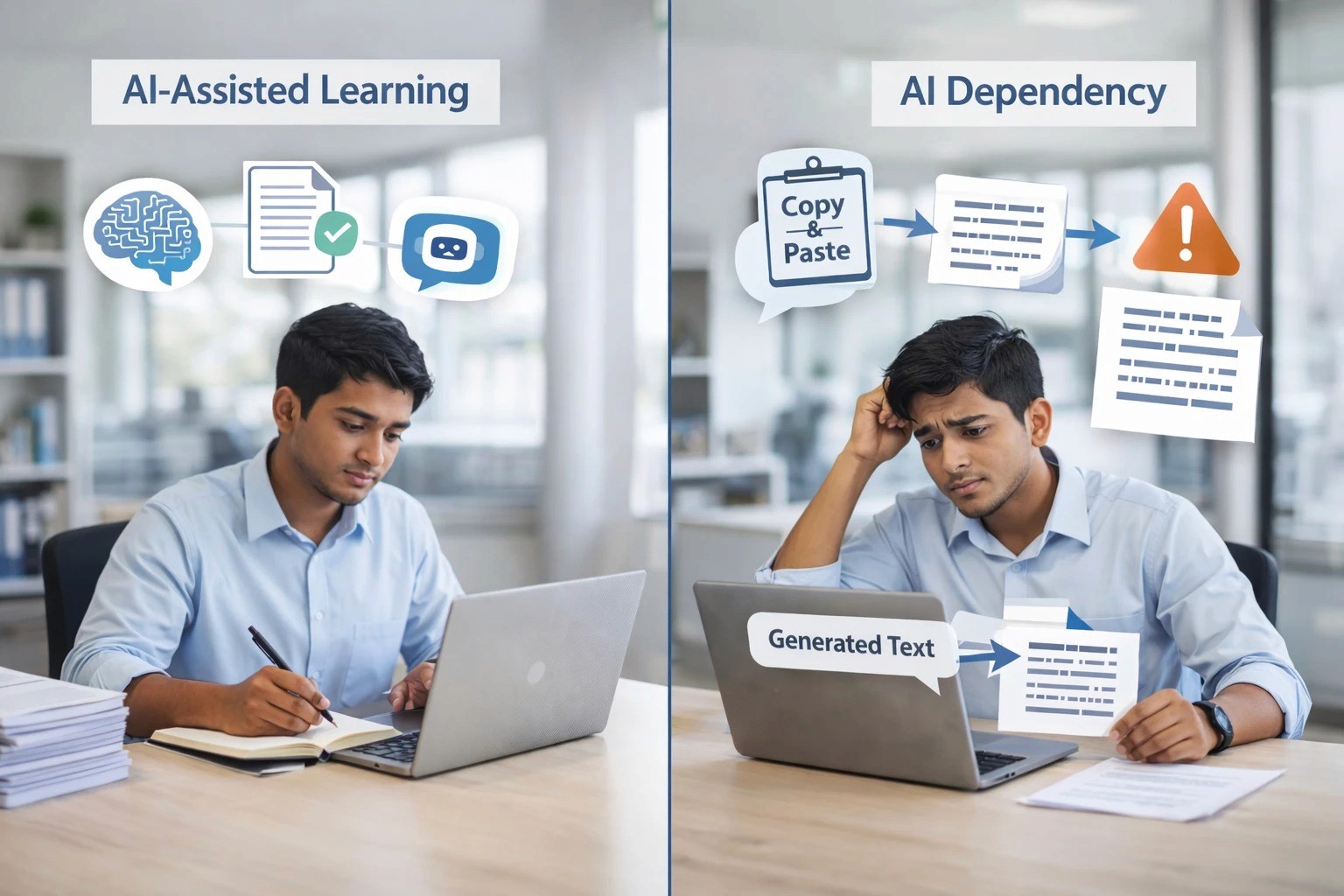
AI tools are now part of everyday learning for IT freshers. Many students use AI to understand concepts, debug errors, write sample code, or prepare for interviews. This is not “wrong” or “cheating” by default. Used properly, AI can reduce confusion, save time, and support faster practice.
But there is a real risk: dependency. When a fresher starts copying answers without understanding, their growth slows down. They may clear assignments, but they struggle in interviews, code reviews, and real project work.
In fact, workplace research shows a gap: many leaders expect AI skills, but not everyone is being trained properly. In Microsoft and LinkedIn’s 2024 Work Trend Index communication, 66% of leaders said they wouldn’t hire someone without AI skills, while only 39% of users said they received AI training from their company. This pushes freshers to learn on their own, which makes the “balance problem” even more important.
What AI-assisted learning does well

AI is useful when you are learning something new and need a clear explanation in simple language. It can give examples, suggest alternative approaches, and help you practice faster. It can also help with common fresher tasks like writing cleaner variable names, generating test cases, summarising a topic, or explaining an error message.
AI is also helpful for revision. If you already know the basics, AI can act like a quick tutor that saves your time.
Where dependency starts and why it is risky
Dependency begins when AI becomes the “first step” instead of a “support step.” For example, a fresher gets a problem and immediately asks AI for full code, without attempting logic or reading documentation. Over time, this creates weak fundamentals.
This is dangerous because AI outputs can be wrong, outdated, inefficient, or unsuitable for your specific project context. Research on automation bias explains that people tend to over-trust automated suggestions, even when the suggestions are incorrect. In real work, that can lead to errors and poor decisions.
Managers and reviewers usually spot dependency quickly. If you cannot explain your own code, justify your approach, or debug confidently, trust reduces—even if the final output runs.
The balance freshers should aim for
A practical balance is simple: Try first, use AI second, verify always. AI should help you learn faster, not think for you.
The World Economic Forum’s Future of Jobs Report 2025 highlights that tech skills like AI and big data are growing fast, but so are human skills like creative thinking, resilience, flexibility, and curiosity/lifelong learning. This means freshers must build both: smart AI usage and strong thinking ability.
A safe “AI use” method for freshers (easy to follow)
Start by attempting the problem for 15–30 minutes. Write your own logic, even if it is incomplete. Then use AI for hints, not full solutions. Ask questions like: “What approach should I take?” or “Why is this error happening?” rather than “Give complete code.”
After AI gives an answer, verify it. Run it, test edge cases, and check whether it matches the requirement. Finally, write a short explanation in your own words: what you did, why it works, and what trade-offs exist. This single habit makes you interview-ready and improves your performance at work.

Signs you are using AI in a healthy way
You are balanced if you can explain the solution without reading AI output again. You can modify the code confidently. You can debug when it fails. You can also solve basic versions of problems without AI help.
If you feel stuck without AI for every small task, it is time to rebuild fundamentals—especially logic, data structures, SQL basics, and system flow.